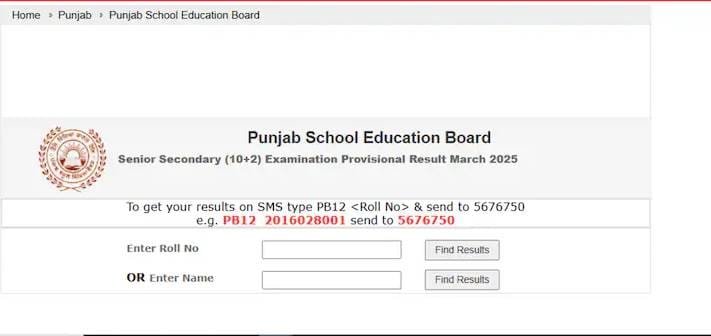

How to download the result? (Step-by-step Guide)
UP DElEd Result 2025 If you are a student of 2nd or 4th semester of UP DElEd 2025, then you can easily get your mark sheet by following the steps given below:
First of all visit the official website:
Click Here
Click Here
Click on the “Examination” or “Results” section on the homepage.
Now select your course and semester:
eg –
“UP DElEd 2nd Semester Result 2025”
“UP DElEd 4th Semester Result 2025”
Go to the login page and fill in your details –
Like:
Roll Number
Date of Birth
or Registration Number
Now click on the “Submit” or “View Results” button.
Your result will appear on the screen. Look at it carefully.
Download the PDF of the marksheet and save it for future use. If you want, take a printout of it as well.
Highlights:
UP DElEd 2nd and 4th Semester Results 2025 are now officially declared.
The results have been released on 9th July 2025.
Students can check the results from btcexam.in and updeled.gov.in websites.
You can login with Roll Number and Date of Birth.
Download the result PDF and save it for future reference.
Important Information:
To see the result, make sure that the internet browser and website are working properly. If the website is slow, try again after some time.
Also Read :




More Related